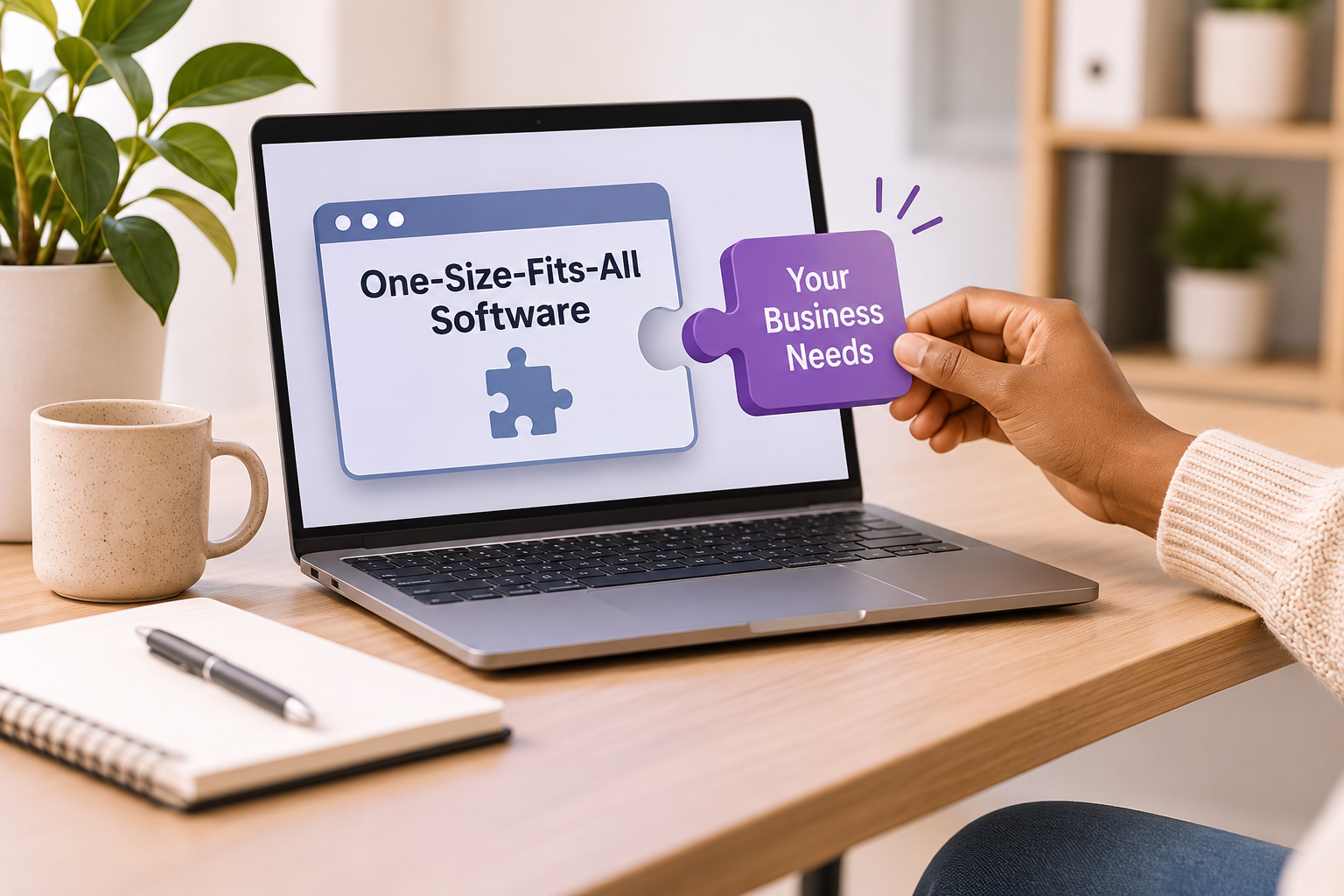
When you first started your business, one-size-fits-all software felt like a lifesaver. It was affordable, easy to set up, and got the job done. You signed up, clicked through a quick tutorial, and went straight to business. Everything worked like a plug-and-play solution until your business started growing, your needs became more complex, and the software that once made things easier began creating more problems than it solved.
The trouble is that businesses evolve. Processes change, teams grow, and somewhere along the way, that handy tool quietly starts costing you more time than it saved. Your team begins inventing workarounds, spreadsheets start multiplying everywhere, and you likely end up with that one person in the office who is the only one who knows how to make the system behave.
If this sounds familiar, your business has likely outgrown one-size-fits-all software. Let’s look at why this happens, the warning signs to watch out for, what it’s truly costing you, and how you can figure out your next steps without tearing your hair out.
What “One-Size-Fits-All” Software Really Means?
Off-the-shelf software is built to appeal to the widest possible audience. Think standard accounting tools, general project management apps, or basic CRMs. They are designed for the average business which is both their greatest strength and their biggest weakness.
The upside is low cost, fast setup, regular updates, and plenty of online tutorials. The downside is simple: your business isn’t average. Your pricing rules, approval steps, and customer promises are uniquely yours. Usually, generic tools get you about 80 percent of the way there. But the last 20 percent is where your true competitive edge lives, and that’s where generic tools usually fall short.
10 Warning Signs You’ve Outgrown Your Software
Wondering if your tools are holding you back? See how many of these sound familiar:
- Your team lives in spreadsheets: If critical data is constantly being exported into Excel or Google Sheets just to be fixed or reported on, your software isn’t doing its job. Spreadsheets are fantastic, but when they become the real system while your software is reduced to a glorified data-entry form, something is broken.
- You rely on manual workarounds: Copying and pasting between different systems, retyping the same details, or using sticky notes to remember steps the software misses are all red flags. Each workaround is a tiny tax on your team’s productivity.
- Only one person understands the system: When a single employee holds the secret knowledge of how to keep the software running smoothly, you’re taking a massive risk. If they go on vacation or leave the company, operations grind to a halt.
- You pay for features you never use: Many platforms bundle dozens of features to catch every possible customer. If you’re paying a premium tier just for one specific feature while ignoring 90 percent of the rest, you’re subsidizing complexity you don’t need.
- Reporting is a nightmare: If answering a basic business question like which customers are actually most profitable takes hours of manual data wrangling, your software isn’t giving you the visibility you need.
- Systems don’t talk to each other: Sales uses one tool, finance uses another, and operations uses a third. Data lives in silos, mistakes happen during manual transfers, and nobody has a complete, unified picture.
- Your processes bend to fit the software: If you’ve changed how you serve clients not because it’s better, but because the software demands it, the tool is steering your business instead of supporting it.
- Growth makes things sluggish: Software should scale right along with you. If adding new customers, orders, or staff makes the system slow or chaotic, it has hit its ceiling.
- Onboarding takes forever: When training a new hire requires teaching them a long list of system quirks, exceptions, and unofficial workarounds, your software has become a heavy burden.
- Costs keep creeping up: Per-user fees, add-on modules, and tier upgrades can quietly turn an affordable tool into a major expense. Always look at your total spend across all subscriptions, not just the starting price.

If three or more of these sound true for your team, it’s time to review your options. If six or more apply, waiting is likely costing you far more than making a change.
The Hidden Costs of Staying Put
The most obvious cost of software is the monthly subscription fee, but the hidden costs are almost always much higher.
Lost time adds up rapidly. Imagine five employees each losing just 30 minutes a day fighting clunky tools. That translates to over 600 wasted hours a year, a massive expense that never appears on an invoice. Manual data entry also invites human error, leading to mistakes that cost real money and damage customer trust.
When you can’t see your data clearly, you make slower decisions while agile competitors race ahead. Meanwhile, your best people grow frustrated from fighting their tools every day, eventually leading to burnout or turnover. Customers notice the delays and inconsistencies, too, and they rarely care why the system failed, they just remember that it did.
Why Businesses Outgrow Generic Software
You don’t need to blame yourself or your team for outgrowing your tools. It usually happens due to a few natural, healthy shifts: your processes mature, your transaction volume increases, your customers demand more tailored service, you add new teams and locations, or compliance requirements grow.
Your Options: From Tweaking to Tailoring
Outgrowing your software doesn’t mean you must build something from scratch. There’s a spectrum of choices, and the right one depends on your needs, budget, and timeline.
Option 1: Optimize what you have
Before making a big move, make sure you’re using your current tools to their full potential. Explore settings, integrations, and automation features you may have overlooked. Sometimes the answer is better configuration, not a new system. This option is best for businesses with minor frustrations and limited budget.
Option 2: Connect your tools with integrations and automation
No-code automation platforms can link your existing apps, so data flows between them without manual copying. This removes many of the most painful workarounds at a modest cost. This is the best option for businesses whose main problem is disconnected systems.
Option 3: Switch to an industry-specific platform
Some software is built for a particular sector, such as construction, manufacturing, interior design, retail, or professional services. These tools understand your terminology, workflows, and requirements from day one. Instead of subscribing with a general tool, it’s best for a business to find softwares specifically made for their type of industry.
Option 4: Use a configurable platform
Low code and configurable platforms let you shape workflows, forms, and reports to your needs without writing software from scratch. They offer a middle path between rigid and fully custom. This works for businesses with unique processes but a limited development budget.
Option 5: Build custom software
Custom software is designed specifically around how you work. It can mirror your processes exactly, integrate with your other systems, and evolve as you grow. It requires more upfront investment and ongoing maintenance, but it can become a genuine competitive advantage
How to Get Started
You don’t need a massive project to make progress. Try starting small with this process:
- Map one workflow. Pick a process that causes frequent frustration. Write down every step, who does it, and which tool they use.
- Highlight the pain points. Highlight each step involving manual entry, copying between systems, waiting for approval, or fixing errors.
- Estimate the cost. Count how many times a week it happens and how long it takes. Multiply by hourly cost.
- Ask your team. The people closest to the work usually know exactly what’s broken and what a better version would look like.
- Define “good.” Describe what an ideal version of this workflow would do in plain language.
This simple exercise gives you the clarity to compare options and the evidence to justify the investment.
Common Mistakes to Avoid
Switching software can go wrong when approached carelessly. Watch out for these traps:
- Avoid replacing everything at once. Big bang changes are risky. Start with the area causing the most pain, and expand in phases.
- Skipping the team. Software that staff don’t help choose is software they resist using. Get them involved in every step of the way.
- Buying on features alone. A long feature list doesn’t help if the features don’t fit your workflow.
- Ignoring data migration. Moving your existing records cleanly takes planning. Budget time for it.
- Underestimating training. Even the best system fails if people don’t know how to use it. Plan for onboarding and support.
- Chasing perfection. A solution that fixes 90 percent of your problems now beats a perfect one that arrives a year late.
The Bottom Line
Off-the-shelf software was never meant to be a forever solution for every business. It’s an excellent starting point, and it served you well while you were finding your feet. But growth changes the equation.
When your team spends more time working around your tools than with them, when your data is scattered, and when your processes bend to fit the software instead of the other way around, you’ve reached the point where the tools need to catch up with the business.
The good news is that you have more options than ever, from smarter integrations to industry-specific platforms to fully tailored systems. The key is to start with a clear understanding of your needs, involve your team, and choose a solution that fits how you actually work. Your business is unique. Your software should be too.